






Best Runway AI Video Generation Prompts for Cinematic Videos
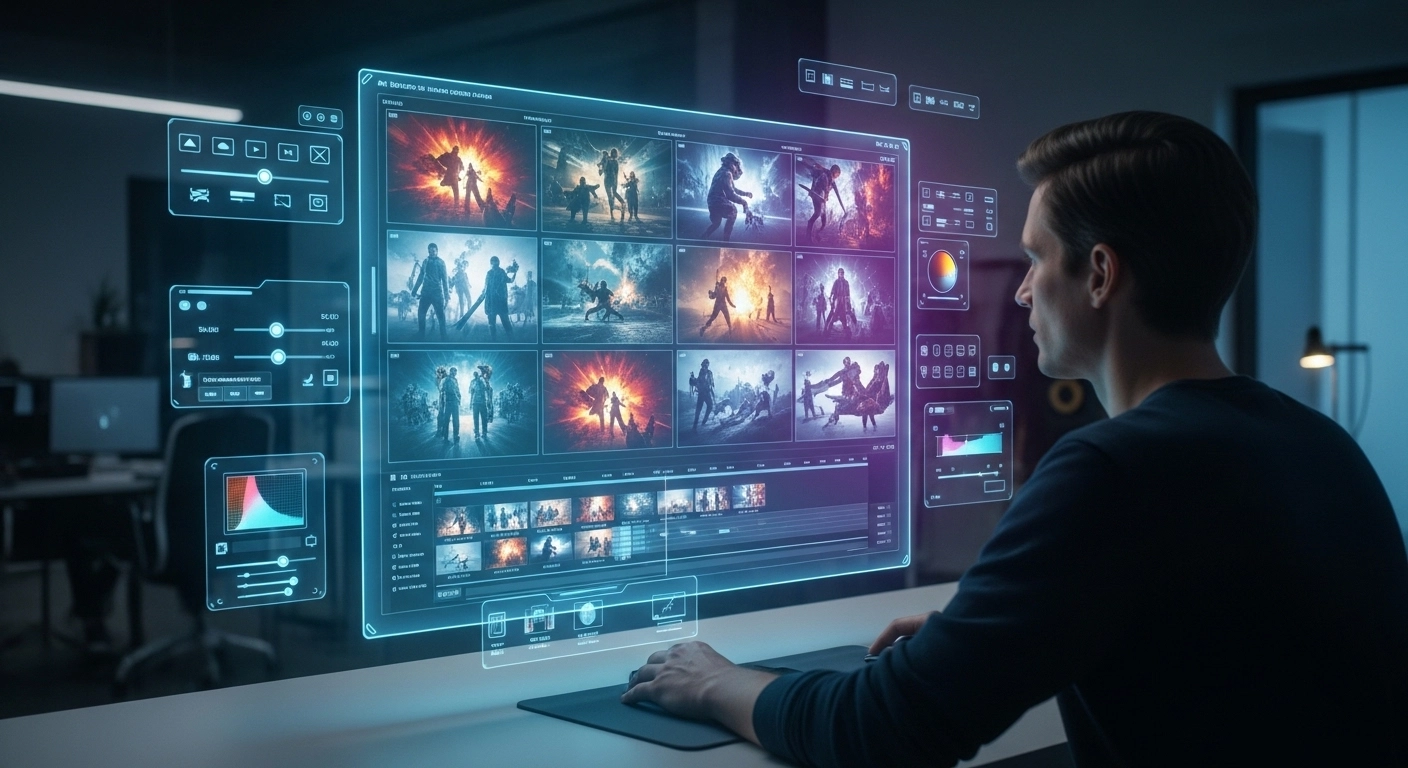
As of now, AI video generation is around one of the most powerful and popular tools for the creators. There are good platforms like Runway ML to create high quality videos just from simple text.
Finding the right prompt is pivotal to generating high-quality AI Videos. In a nutshell, a great prompt will describe to the AI realm, light management, where the camera will move, and visual details in relation to style.
This guide is on the best Runway AI prompts to generate cinematic videos in 2026.
What is Runway AI?
Runway AI is a powerful AI video generation platform that allows users to create videos using text prompts or images. It is widely used by filmmakers, YouTubers, and social media creators.
With Runway AI you can create:
- Text-to-video scenes
- Image-to-video animations
- Cinematic storytelling videos
- AI-generated ads and marketing content
Best Cinematic Runway AI Prompts
Futuristic City Scene
A cinematic drone shot of a futuristic city at night,
neon lights glowing across skyscrapers,
flying cars moving between buildings,
dramatic lighting, ultra realistic, 4K cinematic style
Epic Fantasy Scene
A massive dragon flying above a medieval castle during sunset,
fire lighting up the sky,
epic fantasy movie style, cinematic camera movement
Space Exploration Scene
Astronaut walking across a red alien planet,
giant planets visible in the sky,
cinematic science fiction movie style,
slow motion camera movement
Best Nature Video Prompts for Runway AI
Tropical Waterfall
A peaceful waterfall in a tropical rainforest,
sunlight rays shining through trees,
mist floating in the air,
cinematic slow motion, ultra realistic nature footage
Mountain Sunrise
Sunrise over a mountain landscape,
golden sunlight lighting up snowy peaks,
drone camera slowly flying forward,
cinematic travel documentary style
Best Social Media Video Prompts
Travel Vlog Scene
A cinematic travel vlog walking through Tokyo at night,
bright neon signs, busy streets,
handheld camera movement,
energetic urban atmosphere
Luxury Beach Scene
Aerial drone shot of a tropical beach resort,
crystal clear water, luxury villas,
sunset golden hour lighting,
cinematic travel video style
Advanced Runway AI Video Prompts
Ultra Cinematic Movie Scene
Ultra cinematic film scene,
dramatic lighting,
volumetric fog,
shallow depth of field,
dynamic camera movement,
anamorphic lens effect,
8K movie quality
Epic Battle Scene
Epic fantasy battle with knights and dragons,
massive explosions and fire,
dramatic clouds in the sky,
cinematic slow motion movie trailer style
Tips for Writing Better Runway AI Prompts
1. Describe the Environment
Always include the scene setting such as forest, city, beach, or space environment.
2. Add Lighting Details
Lighting helps improve the realism of AI videos. Examples include golden hour, neon lighting, cinematic lighting, or sunset glow.
3. Describe Camera Movement
Camera movement adds cinematic quality to your video. Examples include drone shot, slow zoom, tracking shot, and handheld camera.
4. Add Visual Style
Specify styles like cinematic, realistic, sci-fi, fantasy, or documentary.
Conclusion
Runway AI — The most powerful tool to generate cinematic AI videos. The carefully crafted prompts enable creators to produce high quality content from professional YouTube video, TikTok and marketing videos.
Keep trying the prompts in this guide to find out what you need. Keep in mind — the more specificity your prompt is, the nicer-looking your AI video is going to be.
Comments
No comments yet. Be the first to share your thoughts.
Leave a Comment