






AI Video Prompt Engineering: Advanced Techniques That Work in 2026
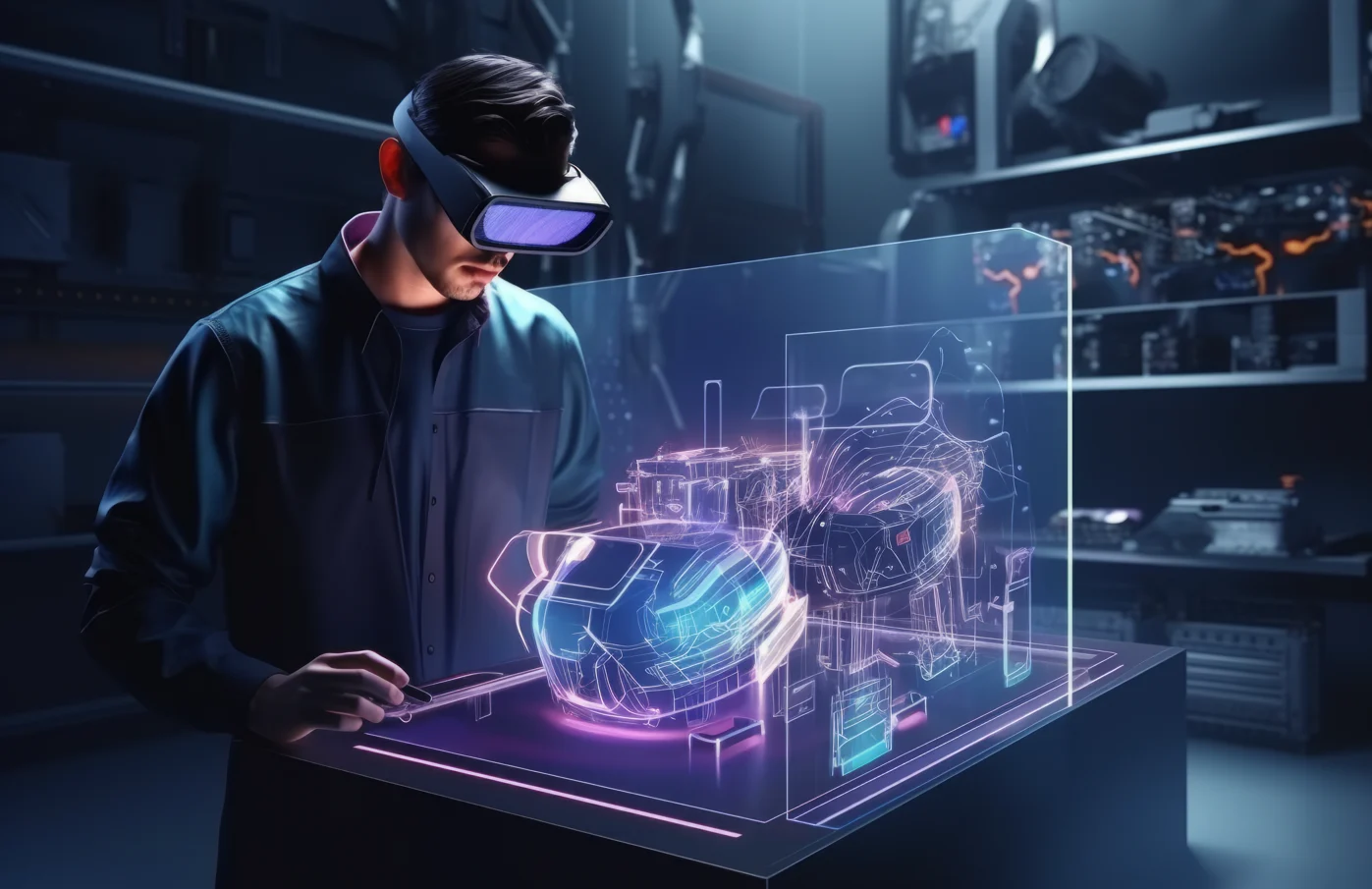
AI generated video has evolved a long way from the straightforward text to video experiments. Cinematic Videos that look as good or more appealing than film production that offers tools like Kling AI, Runway, Luma AI, Sora and Pika Labs which can be achieved in 2026.
But the difference between average output and cinematic quality results boils down to one ability:
AI video prompt engineering.
Prompt engineering refers to the use of structured, detailed and precision-to-detail text inputs to invoke AI video models to deliver precise visual outputs.
In this guide, we are going to look at the trick techniques from creators, marketers and filmmakers that can help you create a steady stream of high quality AI videos.
Why Prompt Engineering Matters in AI Video
AI video models interpret prompts as instructions for:
- Scene composition
- Character motion
- Camera behavior
- Lighting and atmosphere
- Style and realism level
- Temporal continuity (frame-to-frame consistency)
A weak prompt leads to random or unstable results. Big Prompt = The Art of Prompts : build high quality, controlled cinematic output
The objective is not simply to depict a scene —but to guide the AI as if you are an auteur film director.
1. Use Structured Prompt Architecture
The most effective AI video prompts follow a clear structure.
Recommended format:
Subject + Action + Environment + Camera + Lighting + Style + Motion Details
Example:
“Cyberpunk warrior running on neon lit rooftop, cinematic moving shot, night rainy scene, volumetric light in the background ultra realistic motion slowmotion impact frames film grain shallow depth of field.”
This structure reduces ambiguity and improves AI interpretation.
2. Cinematic Language Is a Power Multiplier
What works with AI video models extremely well is how they adapt to filmmaking terminology.
High-impact cinematic keywords include:
- Depth of field
- Lens flare
- Motion blur
- Bokeh background
- Wide cinematic shot
- Handheld camera feel
- Dolly zoom
- Ultra-wide lens
- Film grain texture
These terms help simulate real-world camera behavior inside AI-generated scenes.
3. Control Camera Movement Explicitly
One of the largest gains in AI video quality is from clearly defining camera motion.
Instead of:
“Man walking in city”
Use:
“Slow cinematic tracking shot of a man walking through a futuristic city street, smooth camera motion, some handheld realism.”
Common camera instructions:
- Tracking shot
- Pan left/right
- Zoom in / zoom out
- Drone shot
- Over-the-shoulder shot
- Low-angle hero shot
- 360-degree rotation
Camera direction is essential for professional-looking AI videos.
4. Add Motion Layering for Realism
Advanced prompt engineers don’t just describe motion—they layer motion.
Example:
“Character in mid-sprint, rapid footfalls, air rushing through clothes, motion blur of background scenes. Camera shakes slightly during impact moments.It adds depth to movement and realism..”
This creates depth and realism in movement.
Motion layering improves:
- Physical realism
- Cinematic impact
- Visual fluidity
- Scene immersion
5. Define Lighting Like a Director of Photography
Lighting is one of the most important cinematic elements.
Instead of vague descriptions, use precise lighting terms:
- Golden hour lighting
- Neon cyberpunk glow
- Soft studio lighting
- Volumetric fog lighting
- High contrast shadows
- Backlit silhouette
Example:
“Backlit, dramatic cinematic scene, volumetric fog, reflections on wet ground from neon lights lightsource note: high contrast lighting (deep shadows).”
6. Use Style Anchoring
Style anchoring ensures consistency in visual output.
Common style anchors:
- Photorealistic
- Anime cinematic style
- Hollywood film style
- Cyberpunk aesthetic
- Dark fantasy tone
- Documentary realism
- 3D animated style
Example:
“Photorealistic cinematic style with Hollywood film grading and shallow depth of field.”
7. Negative Prompting for Error Control
Negative prompts help remove unwanted artifacts.
Common negative instructions:
- No distortion
- No extra limbs
- No flickering
- No low resolution
- No blurry faces
- No unrealistic anatomy
This is especially useful for action-heavy or fast-motion scenes.
8. Temporal Consistency Engineering
One of the hardest problems in AI video is consistency across frames.
To improve consistency, include phrases like:
- Consistent character design
- Smooth motion continuity
- Stable facial features
- Continuous lighting environment
This reduces flickering and identity changes between frames.
9. Use Prompt Compression Techniques
Long prompts are not always better. The goal is clarity, not verbosity.
Instead of writing paragraphs, compress instructions into compact cinematic commands.
Example:
“Cyber ninja duel, neon rooftop, rain storm, cinematic tracking Shot, slow-mo impacts with hands/feet/masks and weapons catching light beams in the air, volumetric lighting —photorealistic-- ultra detail”
Compressed prompts improve AI interpretation speed and accuracy.
10. Multi-Shot Prompt Engineering
Advanced users design prompts that simulate multiple scenes in one generation.
Example:
“Scene 1: warrior preparing sword in dark temple. Scene 2: sudden lightning strike battle sequence. Scene 3: slow motion final impact with glowing energy explosion.”
This technique helps generate storytelling-style outputs instead of single static clips.
11. Reference-Based Prompting
Modern AI video tools support reference images and video inputs.
You can improve results by combining:
- Text prompts
- Character references
- Style references
- Environment images
This helps lock:
- Character identity
- Color palette
- Art style consistency
- Scene composition
12. Platform-Specific Prompt Tuning
Each AI video tool responds differently.
Kling AI
- Best for physics-heavy motion
- Strong cinematic realism
- Detailed action scenes
Runway
- Creative stylization
- Artistic storytelling
- Experimental visuals
Luma AI
- 3D realism
- Natural lighting
- Strong spatial depth
Optimizing prompts per platform significantly improves output quality.
13. Iterative Prompt Refinement
Professional creators rarely succeed on the first attempt.
Instead, they iterate:
- Adjust lighting
- Refine motion details
- Simplify or expand descriptions
- Change camera angles
- Test alternative styles
Iteration is a core part of AI video mastery.
14. Emotional Prompt Engineering
Beyond visuals, emotional tone matters.
Add emotional cues like:
- Dramatic tension
- Heroic moment
- Calm atmosphere
- High-intensity battle
- Mysterious mood
This helps AI adjust pacing and visual intensity.
Final Thoughts
So, AI video prompt engineering in 2026 is really a combination of creativity, framework and cinematic thinking!
The best creators are not writing descriptions; they are script doctors, directing a virtual film set with exacting language.
Anyone can dramatically enhance AI video output by mastering around structure, camera control, lighting, motion layering, and optimization for the best platforms.
Prompt engineering will remain one of the most critical skills for AI tools in digital content, filmmaking, and marketing as these AI tools continue to evolve.
Comments
No comments yet. Be the first to share your thoughts.
Leave a Comment